Describe the process once. It runs on its own.
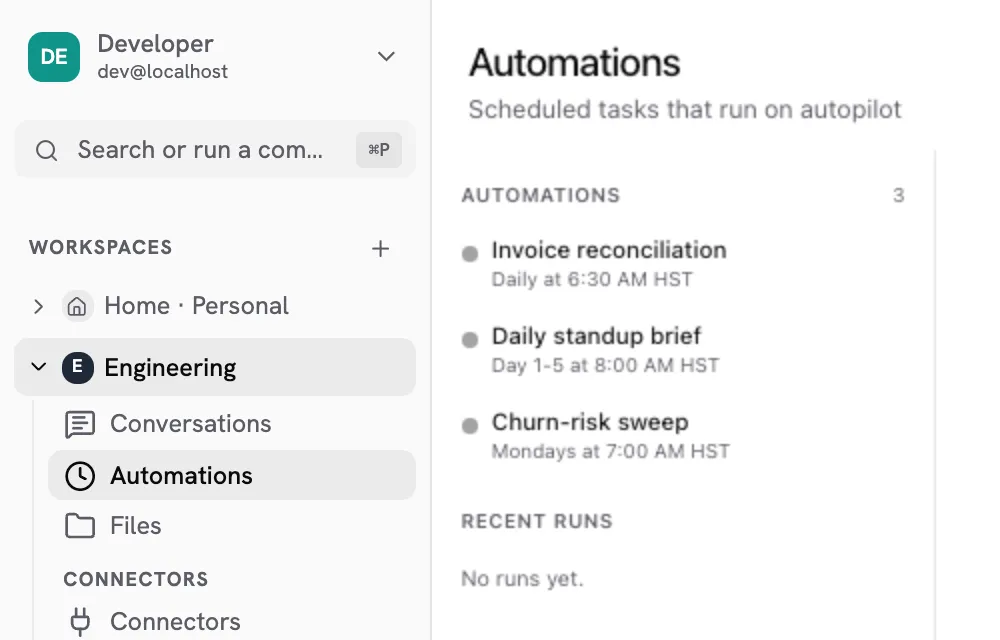
Scheduled agents that fire as the person who created them, inside the workspace they were created in, and leave a deliverable behind rather than a transcript.
The workflow builder is a conversation.
Automation tools ask you to draw the process before you understand it, then maintain the drawing forever. Say what should happen and when, the way you would tell a colleague, and what runs on Monday is what you agreed on Friday.
- No graph to maintain The exceptions you did not think to draw are handled on the run, not in a rebuild.
- Changed in language Correcting the process is a sentence, so the person who owns it can do it.
- Cron or interval Whatever cadence the work actually has, down to a fixed number of minutes.
An automation is somebody's, and stays that way.
It runs as the person who made it, so it can never reach further than they can. Remove them from a workspace and everything they own stops on the next run, because membership is checked then rather than captured at setup.
- Runs as a person Not a service account with its own standing permissions to audit separately.
- Walled to one workspace The same namespace as an ordinary turn. No second path into your systems.
- Offboarding is not a job Nothing to clean up, and no sync whose failure leaves access behind.
What teams schedule
The processes that come up first.
Each of these is a page, and each one started as somebody doing it by hand.
Chase the invoice without being the one who chases
It knows who is fifteen days late and who is the client you do not push. The routine nudge goes out on its own; the delicate one reaches you with the draft already written.
Read the processMonitoring
Receivables watched by age and by relationship, not by a single threshold.
Aging detection
The fifteen-day case and the sixty-day case are not the same conversation.
Matched follow-up
Routine chases send. The awkward one arrives at your desk, drafted.
Know which inbound deserves the next hour
Every inbound read the moment it arrives, ranked by what it is worth, with the rest already moving. The CRM, the chat widget, the shared inbox and somebody's personal inbox stop being four places to check.
Read the processMulti-channel capture
Every route in, read on arrival rather than whenever somebody looks.
Classification
Ranked against what your pipeline says is worth an hour.
Priority routing
The best one surfaces. The rest are already being handled.
Same numbers, a different story for each audience
One data pull becomes the board version and the team version, neither written on a Sunday night. The narrative changes; the underlying figures do not, which is the part a human rewrite usually breaks.
Read the processSingle pull
One set of figures behind every version, so they cannot disagree.
Narrative per audience
What the board needs and what the team needs are different documents.
Scheduled delivery
It arrives before the meeting rather than during the night before.
Workflow automation
Questions people ask about automations
How is this different from a workflow builder like Zapier or n8n?
What does an automation actually produce?
What happens when the person who created it leaves?
How often can an automation run?
Can an automation reach systems the agent cannot reach in chat?
What happens when a run fails halfway?
More of the platform
Each capability has a page. These are the ones nearest this.